
Remove background from a photo online
Upload a photo — in a few seconds you get a PNG with a transparent background. Hair, earrings and loose strands stay put, no white fringe.
 BeforeAfter
One click, clean edges without halos
How it works
A matting network builds a per-pixel transparency mask, then we clean the semi-transparent edge from the old background colour — so there is no ghost on a new background. Output is a ready RGBA PNG.
What it is for
Marketplace product cards, avatars and portraits, stickers, a base for a new background or a photo bank. Works for people, animals and objects.
Pricing
Pennies per file — the cheapest tool in Mixen. No subscription: pay only for what you process, the price is shown before you start.
FAQ
A PNG with a transparent background (alpha channel) at the original size — drop it onto any background in an editor.
Yes: the mask is soft, thin strands are kept, and the edge is cleaned from the old background colour. See the example above — a busy dressing-room background.
JPG, PNG, WebP up to 20 MB. Best results with the subject in focus and some colour or light difference from the background.
Other tools


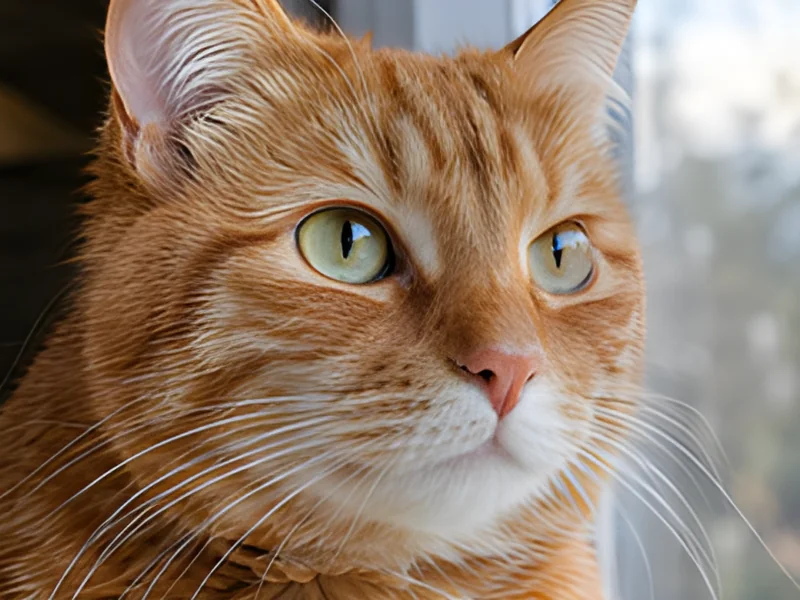

Remove the background in seconds
No subscription, no VPN: an account in a minute, pay per file, results in seconds.